

Drunkin' Drivin
3D driving simulation, vehicle dynamics, and dynamic traffic rule enforcement in Unity
 Unity 3D
 C#Custom PhysicsRaycastingAnimation RiggingState Machines
Trigger volumes measure vehicle velocity over distance. If the vehicle exceeds the speed threshold, the system triggers a camera flash event and records penalty points.
// Simulation Assets & UI Architecture
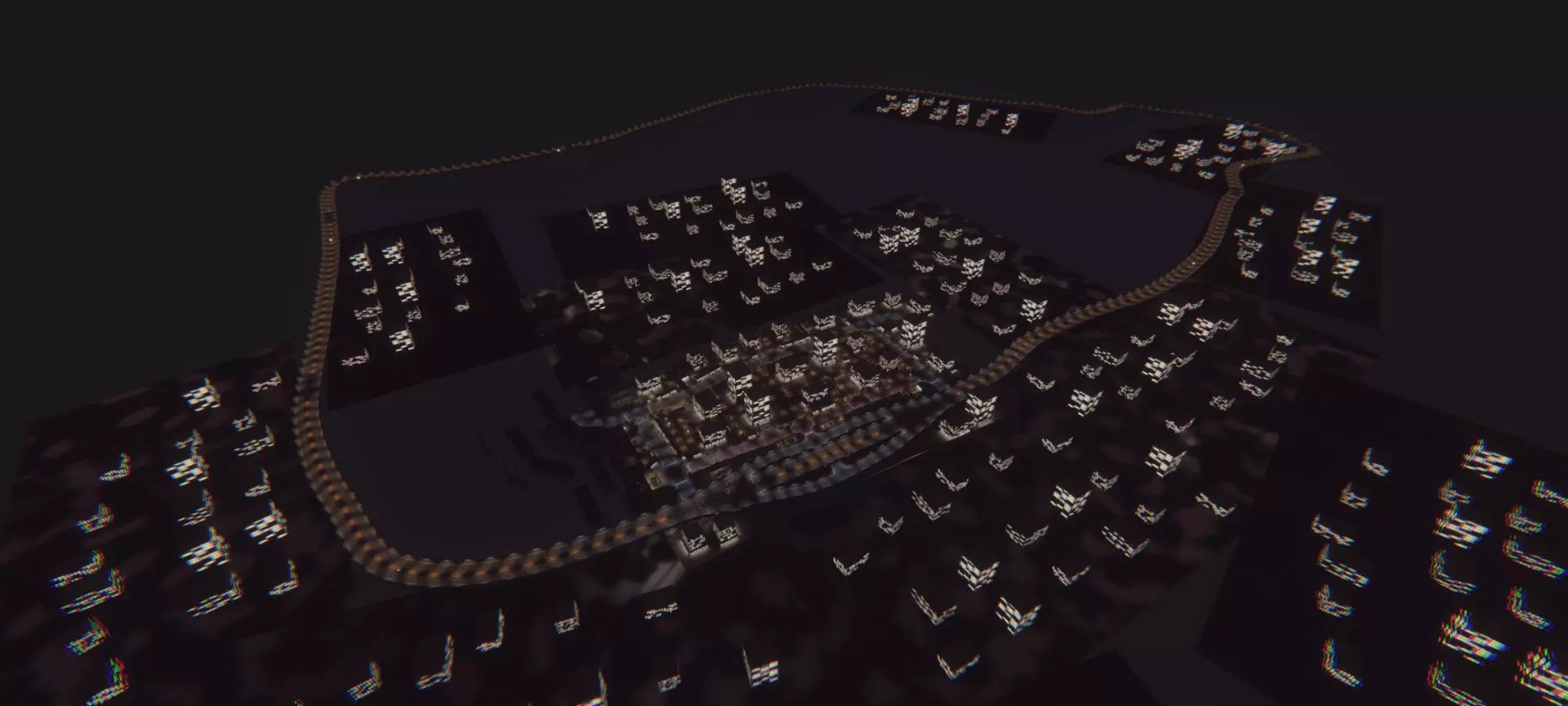
Project overview
Drunkin’ Drivin is a 3D driving simulation developed in Unity and C# as an academic project for ICT-Project 1 at UCLL (collaborative team project with Aidan Gielkens, Enes Ertem, and Zeno Raymaekers).
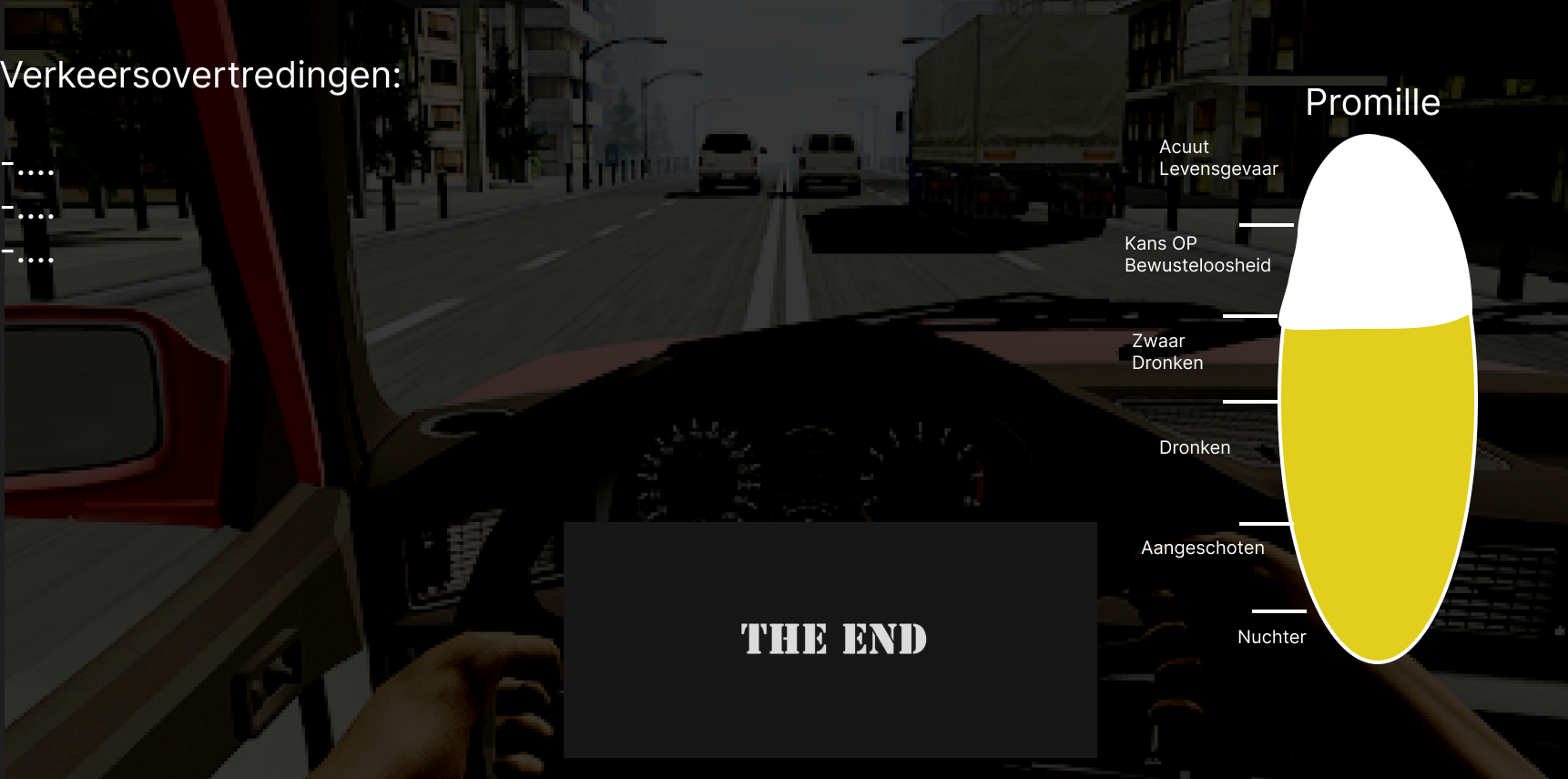
The simulation models vehicle handling in an urban city environment while enforcing traffic laws through automated detection systems. Players navigate urban traffic while managing simulated intoxication, which degrades steering stability, adds input latency, and introduces camera sway.
Core simulation systems
| System | Technology | Implementation mechanics |
|---|---|---|
| Vehicle physics | WheelCollider |
Suspension spring and damper curves, tire slip friction, and acceleration weight transfer |
| Speed enforcement | Dual trigger volumes | Calculates entry and exit timestamps to measure average velocity and trigger camera flash events |
| Red light detection | Directional raycasts | Intersects traffic stop lines linked to the traffic light state machine during active red phases |
| Steering kinematics | Inverse kinematics | Synchronizes 3D player hand models with steering wheel mesh rotation in real time |
| Traffic light logic | State machine | Coordinates 4-phase traffic junction signal cycles and pedestrian crossing timers |
| Infraction HUD | Unity UI overlay | Real-time penalty point accumulator tracking license deductions, fines, and game over conditions |
Technical implementation details
1. Physics-based vehicle handling and suspension
The vehicle controller (CarController.cs, Wheel.cs) relies on Unity’s physics engine rather than arcade translations:
- Uses four
WheelCollidercomponents with calibrated forward and sideways friction curves. - Dynamically shifts the center of mass during acceleration and hard braking to simulate body roll and suspension dive.
- Implements speed-dependent steering angle clamping:
View C# implementation: CarController
public class CarController : MonoBehaviour
{
    [Range(50, 1000)]
    public int _accelerationMultiplier = 450;
    [Range(20, 70)]
    public int _maxSteeringAngle = 50;
    [Range(1, 5)]
    public float _steeringSpeed = 2f;

    private Wheel[] _wheels;
    private Rigidbody _carRb;
    private float _horizontalMovement;
    private float _steeringAngle;
    private float _brakeForce;

    void Start()
    {
        _wheels = gameObject.GetComponentsInChildren<Wheel>();
        _carRb = gameObject.GetComponent<Rigidbody>();
        _brakeForce = _accelerationMultiplier * 3.5f;
    }

    void Update()
    {
        UpdateSteering();
        ApplyMotorTorque();
        AnimateWheelMeshes();
    }

    void UpdateSteering()
    {
        float horizontalInput = Input.GetAxis("Horizontal");
        _horizontalMovement = Mathf.MoveTowards(_horizontalMovement, horizontalInput, Time.deltaTime * _steeringSpeed);
        _steeringAngle = _horizontalMovement * _maxSteeringAngle;

        foreach (var wheel in _wheels)
        {
            if (wheel.IsFrontWheel)
            {
                wheel.WheelCollider.steerAngle = Mathf.Lerp(wheel.WheelCollider.steerAngle, _steeringAngle, _steeringSpeed * Time.deltaTime);
            }
        }
    }

    void AnimateWheelMeshes()
    {
        foreach (var wheel in _wheels)
        {
            wheel.WheelCollider.GetWorldPose(out Vector3 position, out Quaternion rotation);
            wheel.WheelMesh.transform.SetPositionAndRotation(position, rotation);
        }
    }
}
2. Automated traffic infraction and speed camera detection
Speed cameras and traffic lights implement a shared interface (ITrafficDevice) to notify the player controller of rule violations:
- Speed Trap Cameras (
SpeedCameraController.cs): Dual trigger volumes calculate average vehicle velocity over a known physical distance. If velocity exceeds the posted speed limit, the camera triggers a flash effect and logs aViolationEntry. - Red Light Detection (
TrafficLightController.cs): Stop-line colliders activate when the signal state machine transitions to Red. Any vehicle crossing the line during this phase captures timestamped infraction telemetry.
View C# implementation: ViolationEntry telemetry model
public class ViolationEntry
{
    public TrafficDeviceEntry TrafficEntry { get; set; }
    public string Report { get; set; }

    public ViolationEntry(TrafficDeviceEntry entry, string report)
    {
        TrafficEntry = entry;
        Report = report;
    }
}
3. Procedural inverse kinematics and intoxication shaders
- Steering Wheel IK: Inverse kinematics rigs bound to player hand bones follow the rotational axis of the steering wheel mesh without requiring pre-baked animation clips.
- Intoxication Shaders: High blood alcohol content triggers post-processing radial blur, input response lag, and camera sway to simulate physical impairment.